Free template · United Kingdom
Free insurance quotation letter template for UK brokers
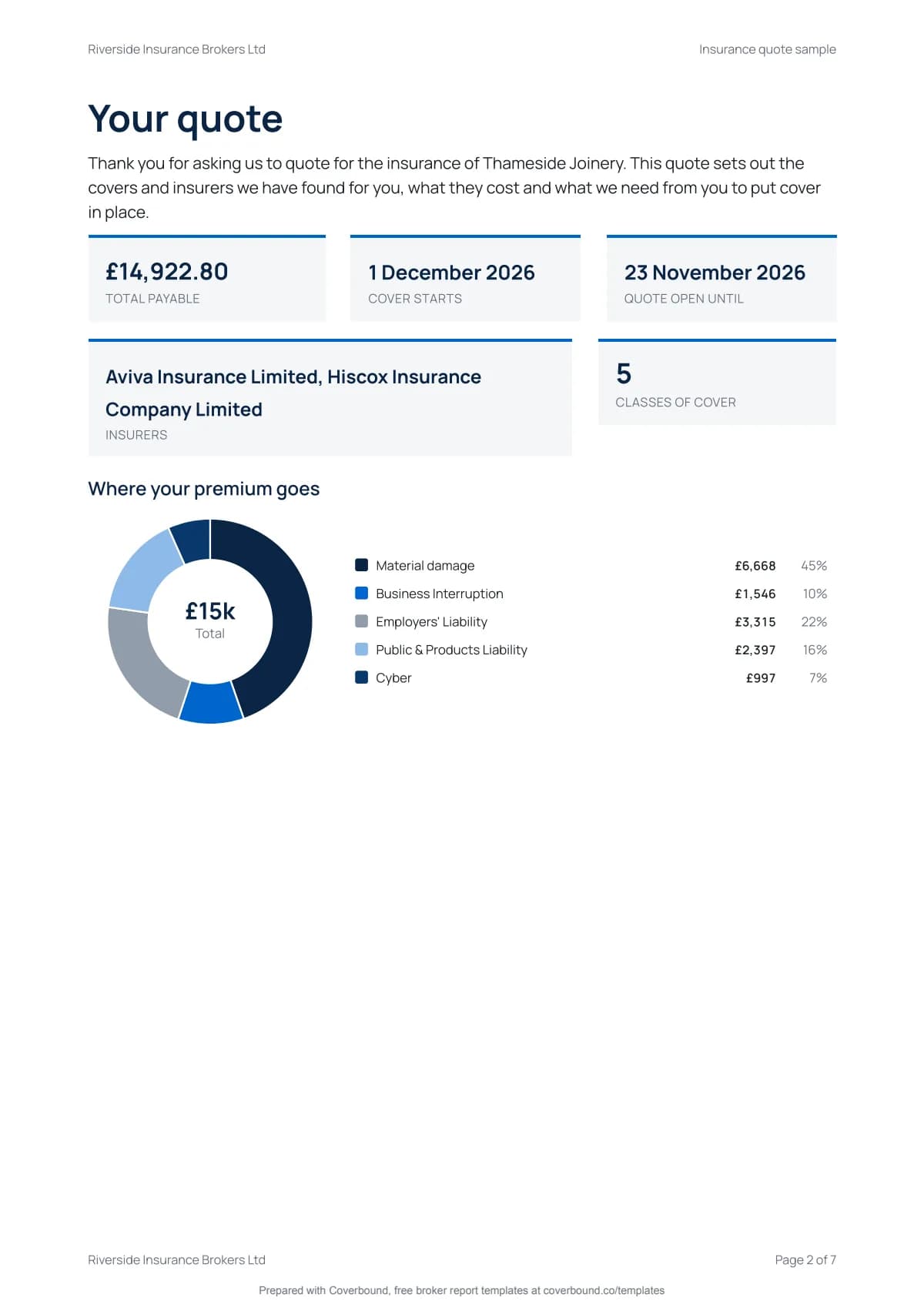
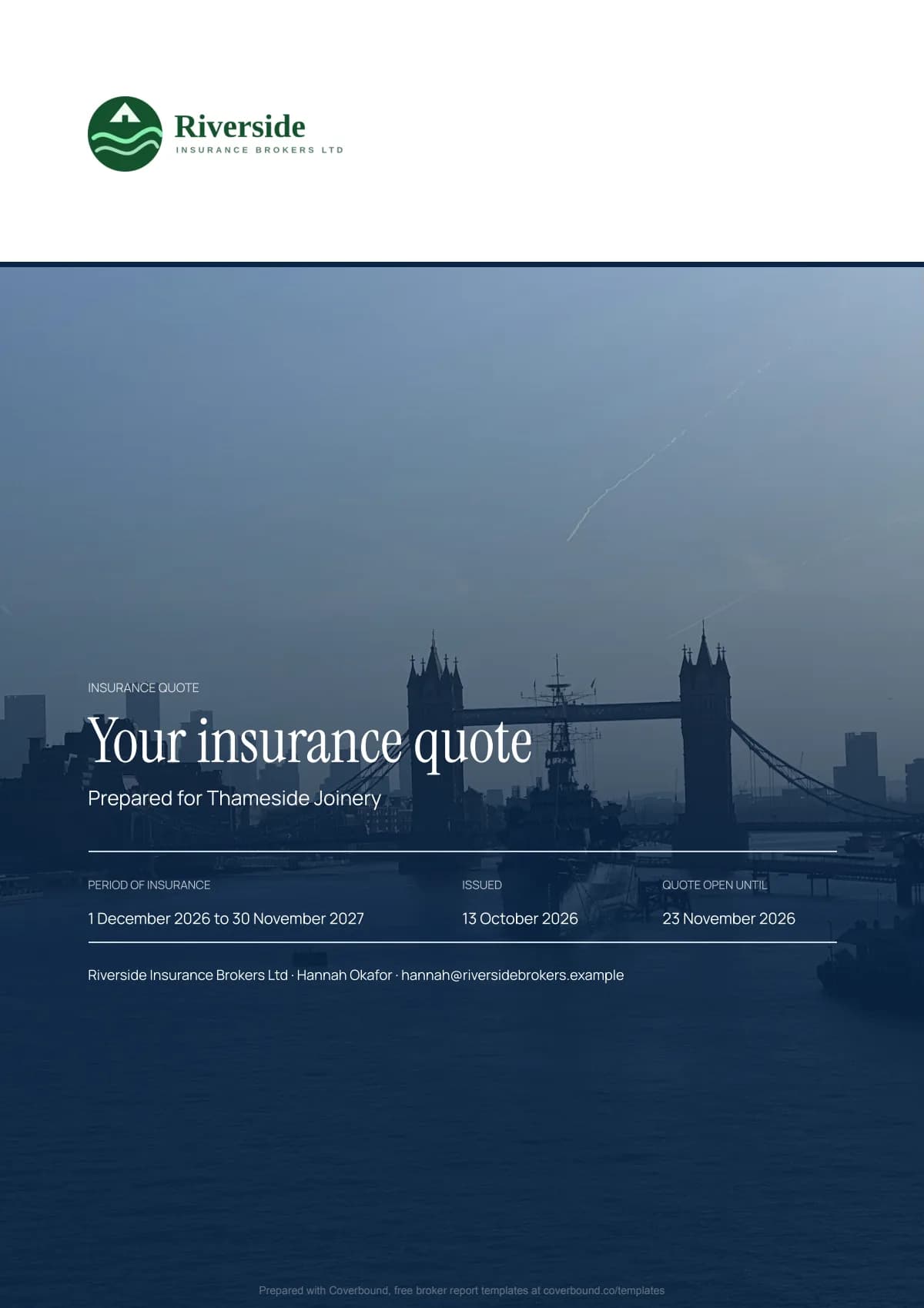
A short, clear quotation for a new client. The total payable, insurer, period and the date the quote is open until sit on the first page. Then the client's demands and needs, the covers quoted, the premium with IPT and fees drawn as a chart, what you need to bind cover and the notices ICOBS and the Insurance Act 2015 expect.
- No login needed
- Your logo, free
- Charts from your figures
- Written for UK rules
- Written for FCA ICOBS and the Consumer Duty
- No login. Nothing stored until you download.
- Charts Word can't draw
- Every section cites its rule
What you'll download
A finished insurance quote, not a blank form.
Pages from the sample report. Tap a page to look closer.
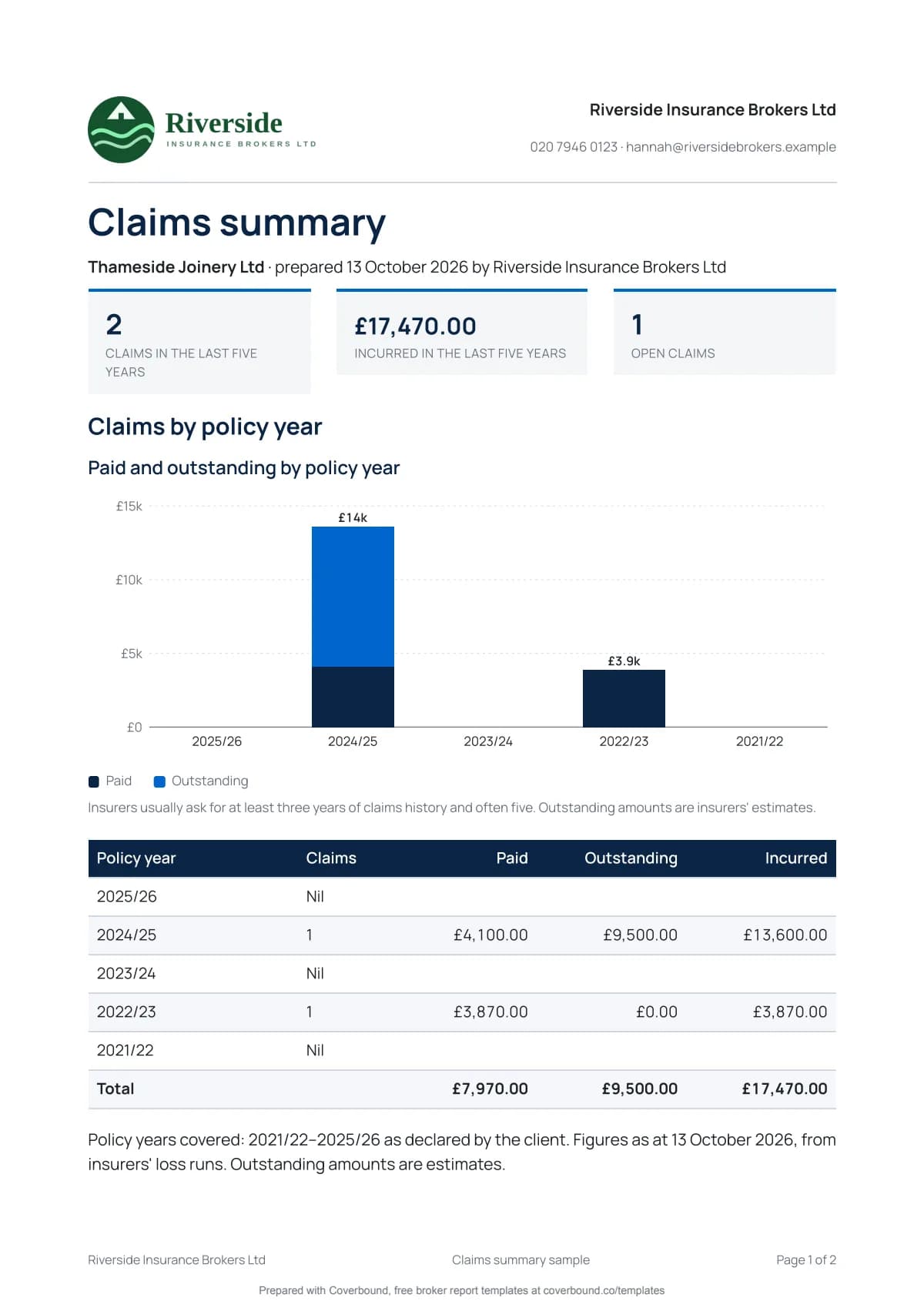
Charts from your own figures
Word can't draw this. Your insurance quote can.
Enter the figures once in the wizard and the report draws its own charts from them. It opens with an at-a-glance page so the client sees the answer before the detail. No spreadsheet to build and no images to paste in.
In the insurance quote:
- At a glance tiles
- Where your premium goes
- What makes up your premium
- What happens next timeline
- Your own logo on the cover and every page, free
At a glance
Total payable
£20,240
Quote open until
14 Nov
Cover starts
1 Dec
What makes up your premium
Where your premium goes
- Property
- Liability
- Business interruption
What's inside
17 sections, each one there for a reason.
Every section of the insurance quote, why it matters to your client and the rule or practice behind it. Edit or remove any you don't need.
- 1
At a glance
Total payable, cover start and end dates, the date the quote is open until, insurers and classes of cover in tiles on the first page.
Consumer Duty, PRIN 2A.5
- 2
Firm status
Your firm name, FCA Firm Reference Number and how to check it on the Financial Services Register.
ICOBS 4.1
- 3
Demands and needs
The client's demands and needs as they told you, with a personal recommendation or a clear non-advised statement.
ICOBS 5.2, ICOBS 5.3
- 4
Covers quoted
Each class with insurer, limit or sum insured, excess and premium.
ICOBS 6.1
- 5
Where your premium goes
A donut chart of the premium by class of cover, drawn from the figures you enter.
Best practice
- 6
Premium breakdown
Premium, Insurance Premium Tax and fees, totalled and drawn as a chart.
ICOBS 6.1
- 7
Premium finance
If the client pays monthly, the APR, the total amount payable and who the lender is.
CONC 4
- 8
Remuneration
The nature of your remuneration, with commission disclosed on request for commercial customers.
ICOBS 4.4
- 9
Key terms
The excesses, conditions and exclusions that matter most to this client, called out before they accept.
ICOBS 6.1
- 10
Quote validity
The date the quote is open until and a reminder that terms can change if the risk changes before cover is bound.
Best practice
- 11
What we need to bind cover
A checklist of the insurer's subjectivities: signed proposal form, surveys, payment and anything else needed before cover starts.
Underwriting practice
- 12
What happens next
A timeline from the quote to your reply date, the date the quote closes and the day cover starts.
Best practice
- 13
Fair presentation or reasonable care
The duty of fair presentation for business clients or the duty to take reasonable care for consumers.
Insurance Act 2015 s3, CIDRA 2012 s2
- 14
IPID and policy wording
Where to find the Insurance Product Information Document and the full terms.
ICOBS 6.1
- 15
Cancellation rights
The consumer's 14 day cancellation period and what happens to the premium.
ICOBS 7.1
- 16
Complaints, FOS and FSCS
How to complain, when the Financial Ombudsman Service can help and FSCS protection.
DISP 1, COMP
- 17
Acceptance
The client signs to accept the quotation and asks you to bind cover on these terms.
Best practice
How it works
- 1
About 5 minutes
Answer three short steps
Enter the client and what they need, the covers and insurers you're quoting with their premiums, then what you need to bind cover. Add your own logo if you like. No login and nothing to install.
- 2
Real document editor
Polish it in the editor
Your quotation opens in Coverbound's document editor. Change any wording, add your own notes and remove sections you don't need.
- 3
Free
Download the PDF
A professional PDF with the charts drawn from your figures and your logo on every page. Email it to yourself and ask for a reminder before the next renewal. Written for UK rules, with a small Prepared with Coverbound footer.
Free tool or a free trial
The report is free. A trial saves you next year.
Free, no login
Everything you need for this report.
- Fill it in with the 3 step wizard
- Edit in the full document editor
- Charts and an at-a-glance page from your figures
- Your logo on the cover and every page
- Download a professional PDFWith a small Prepared with Coverbound footer
- Email the PDF to yourself
- A reminder before the next renewal
- Your colours, fonts and FRN details
- Save it and reuse it next year
- Export to Word
- Send it for e-signature
- AI fill from last year's policy schedule PDF
With a 14-day free trial
Make it yours and do less next year. No card needed.
- Fill it in with the 3 step wizard
- Edit in the full document editor
- Charts and an at-a-glance page from your figures
- Your logo on the cover and every page
- Download a professional PDFNo footer
- Email the PDF to yourself
- A reminder before the next renewal
- Your colours, fonts and FRN details
- Save it and reuse it next year
- Export to Word
- Send it for e-signature
- AI fill from last year's policy schedule PDF
Before you ask
Questions about the insurance quote.
- What should an insurance quotation letter include?
- Your firm's status and FRN, the client's demands and needs, the total payable with IPT and fees, the insurer, the period and how long the quote is open. Then key terms and what you need to bind cover. Finish with the notices: fair presentation or reasonable care, the IPID, cancellation rights and how to complain to you or the Financial Ombudsman Service. The template has a section for each.
- Do I need a demands and needs statement with a quote?
- Yes. ICOBS 5.2 requires you to specify the customer's demands and needs before the contract is concluded, whether you advise or not. The template has a short one built in. For a fuller suitability report use the demands and needs and suitability template.
- Fair presentation or reasonable care?
- Business clients have the duty of fair presentation under the Insurance Act 2015. Consumers have the duty to take reasonable care not to make a misrepresentation under CIDRA 2012. The template has wording for each, so keep the one that fits the client.
- What are subjectivities?
- Conditions the insurer needs met before or soon after cover starts, such as a signed proposal form, a survey, a security upgrade or payment. The template lists them as a checklist so the client knows what to send and by when.
- When should I show the premium finance APR?
- When the client pays by instalments under a credit agreement. Show the APR, the total amount payable and the lender so they can compare it with paying upfront. Remove the section if they pay in one go.
- Does it help with the Consumer Duty?
- It supports consumer understanding with a one page summary, a chart of what makes up the premium and key terms in plain words. The Consumer Duty is about outcomes across your whole process, so a template alone can't make you compliant.
- Does it draw the charts for me?
- Yes. The report draws its own charts from the figures you enter in the wizard, so there's nothing to build in a spreadsheet and nothing to paste in. They print in the PDF next to the tables they come from. Word can't do that on its own.
- Can I add my own logo?
- Yes, for free. Upload a PNG, JPG or WebP and it goes on the cover and every page of the PDF. Your colours, fonts and licence details come with the 14-day free trial.
- Is it really free?
- Yes. Fill it in, add your own logo, edit it and download the PDF without an account. The charts are drawn for you and you can email the PDF to yourself. The free PDF carries a small Prepared with Coverbound footer. A 14-day free trial removes the footer, adds your colours, fonts and FRN details and lets you save the document for next year. No card needed.
- Who is responsible for the advice in the document?
- These templates are a starting point, not legal or compliance advice. You remain responsible for the advice and documents you give as an FCA authorised firm or appointed representative under your FRN. Check each document against your firm's compliance procedures before you send it.
More free templates
Other templates for UK brokers
These templates are a starting point, not legal or compliance advice. You remain responsible for the advice and documents you give as an FCA authorised firm or appointed representative under your FRN. Check each document against your firm's compliance procedures before you send it.
Your next report, done before lunch.
Answer three short steps, add your logo and download the PDF with its charts drawn for you. No login needed.
Start your report, free